 Blog
BlogAI agents in restaurants: processes come first
AI agents don't run on chaos — they run on data. This is the path from a paper ticket, through Qastio's structured processes, to infrastructure ready for AI automation.
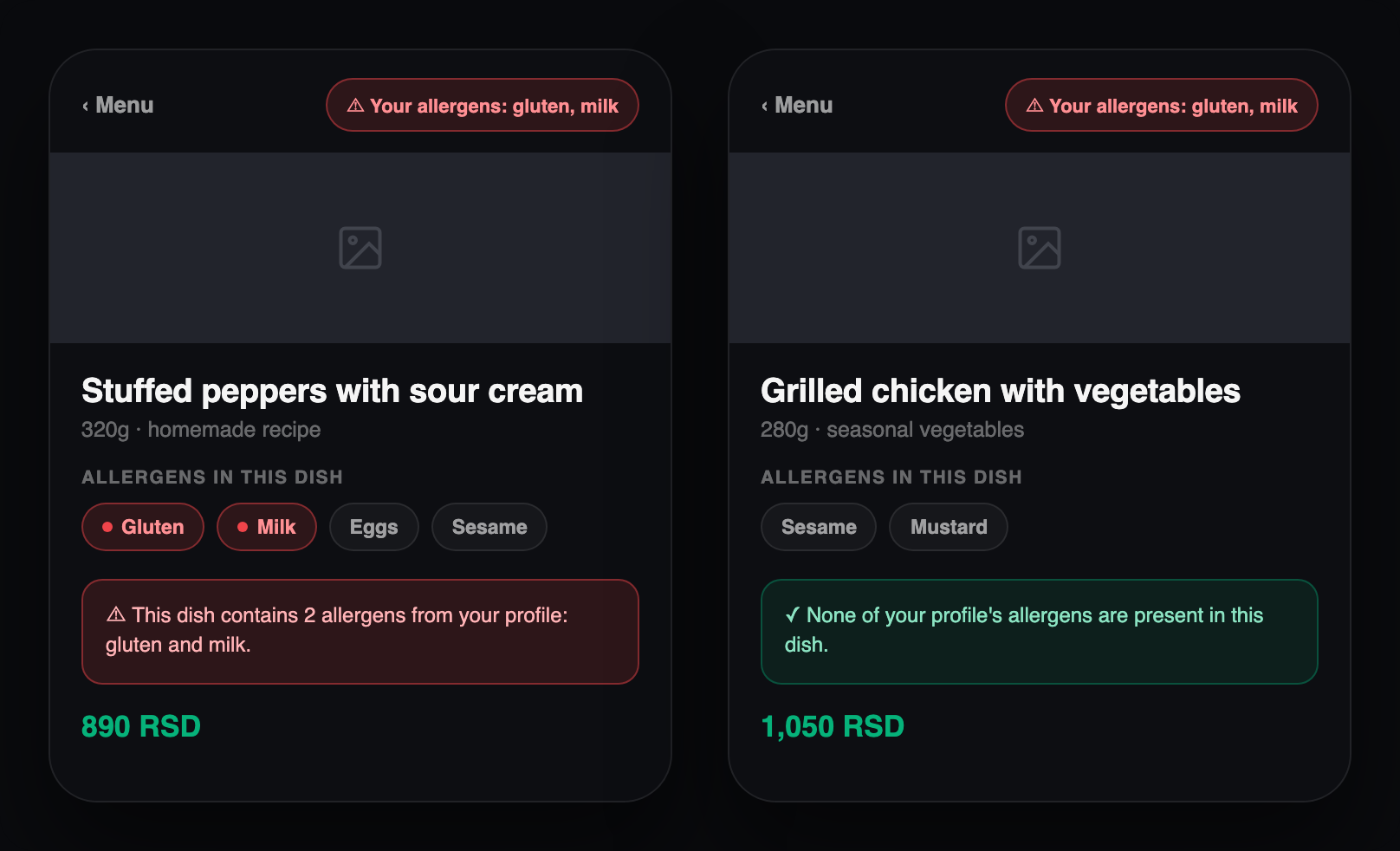
How Qastio shows allergens on the menu
Allergens are visible to every guest while ordering — not as an add-on, but as part of the same screen. A guest who saves their allergens to a profile gets a direct warning right next to a dish that doesn't work for them.
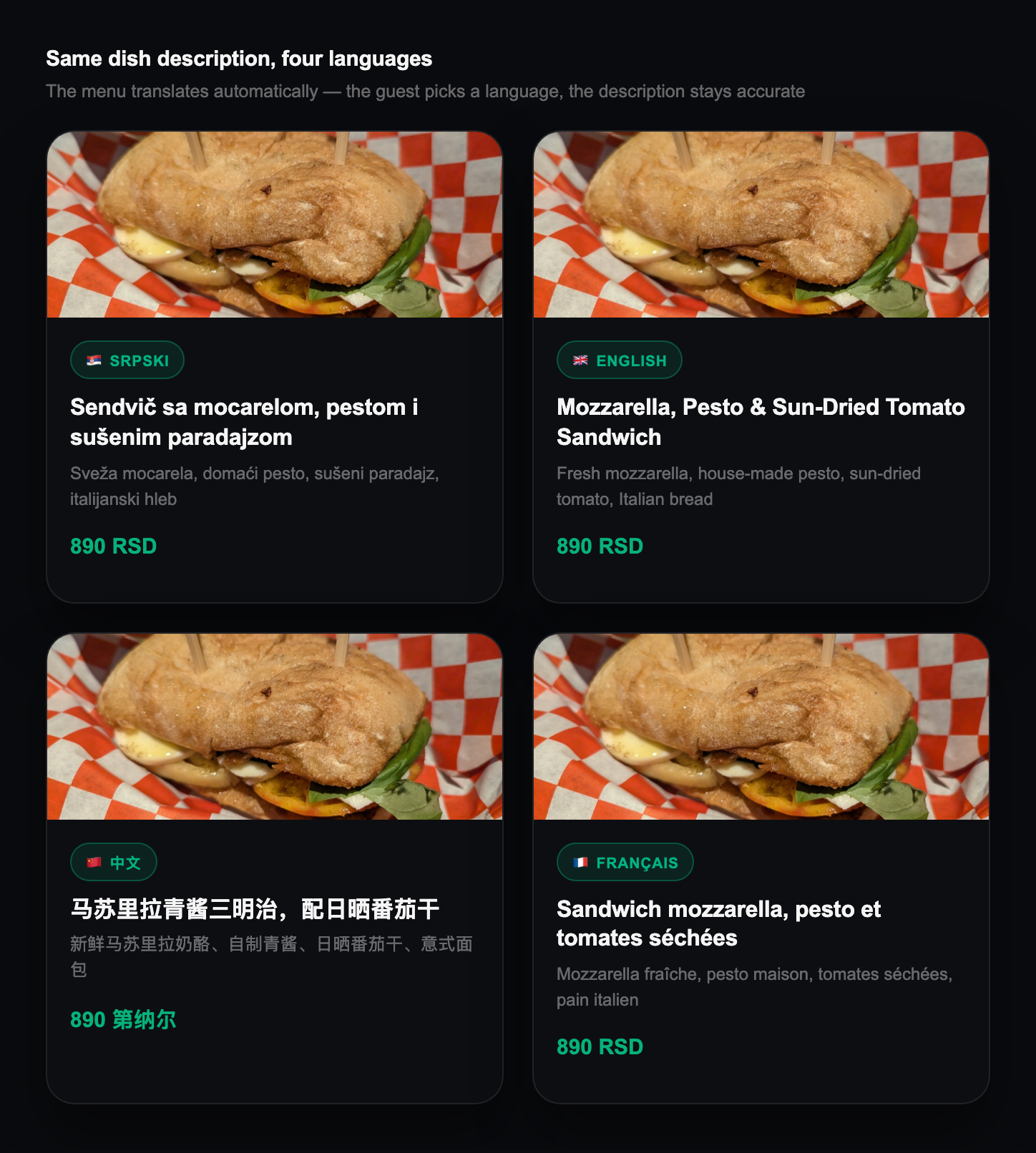
Why restaurants need a multilingual menu
A tourist who doesn't understand the menu either orders at random or doesn't order at all. A menu in their own language fixes both — and it doesn't have to be a separate tool.
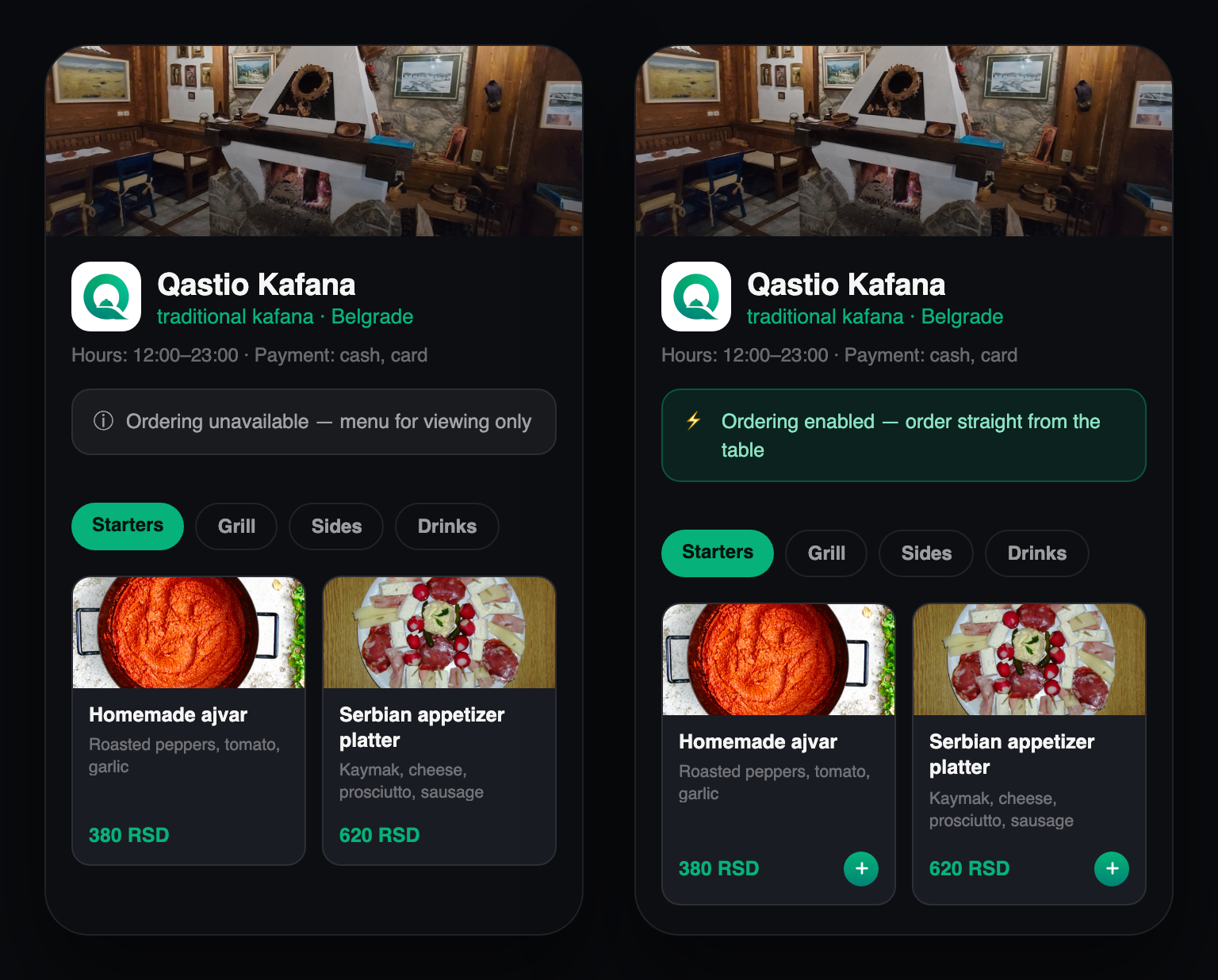
How QR ordering works in Qastio
Scanning opens the venue's digital storefront. Whether a guest just browses the menu or orders right away is the venue's choice, depending on whether it has a POS system.
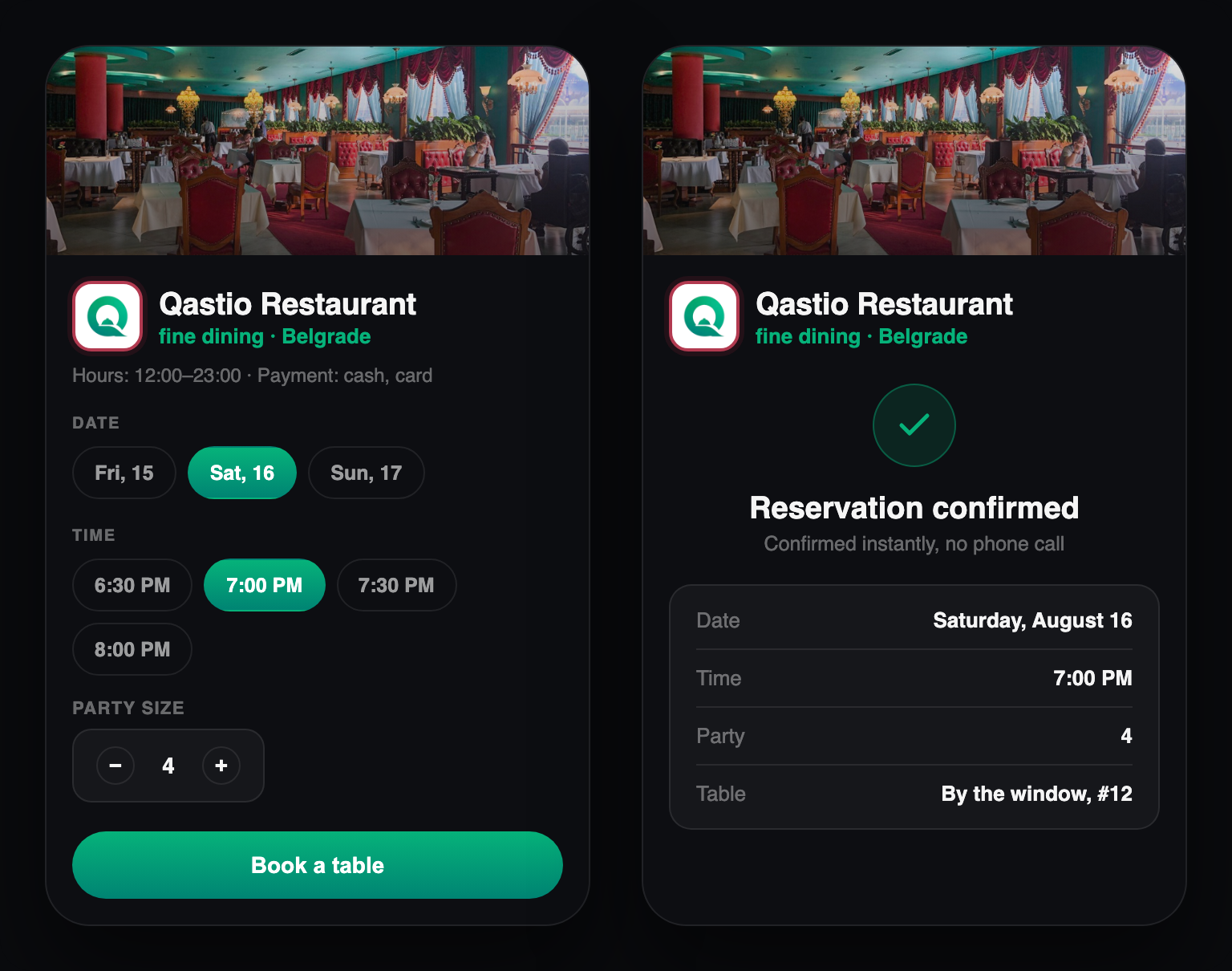
How to book a table through Qastio
The reservation is the first step in the same system a guest later orders through — not a separate tool that's forgotten once the table's confirmed.
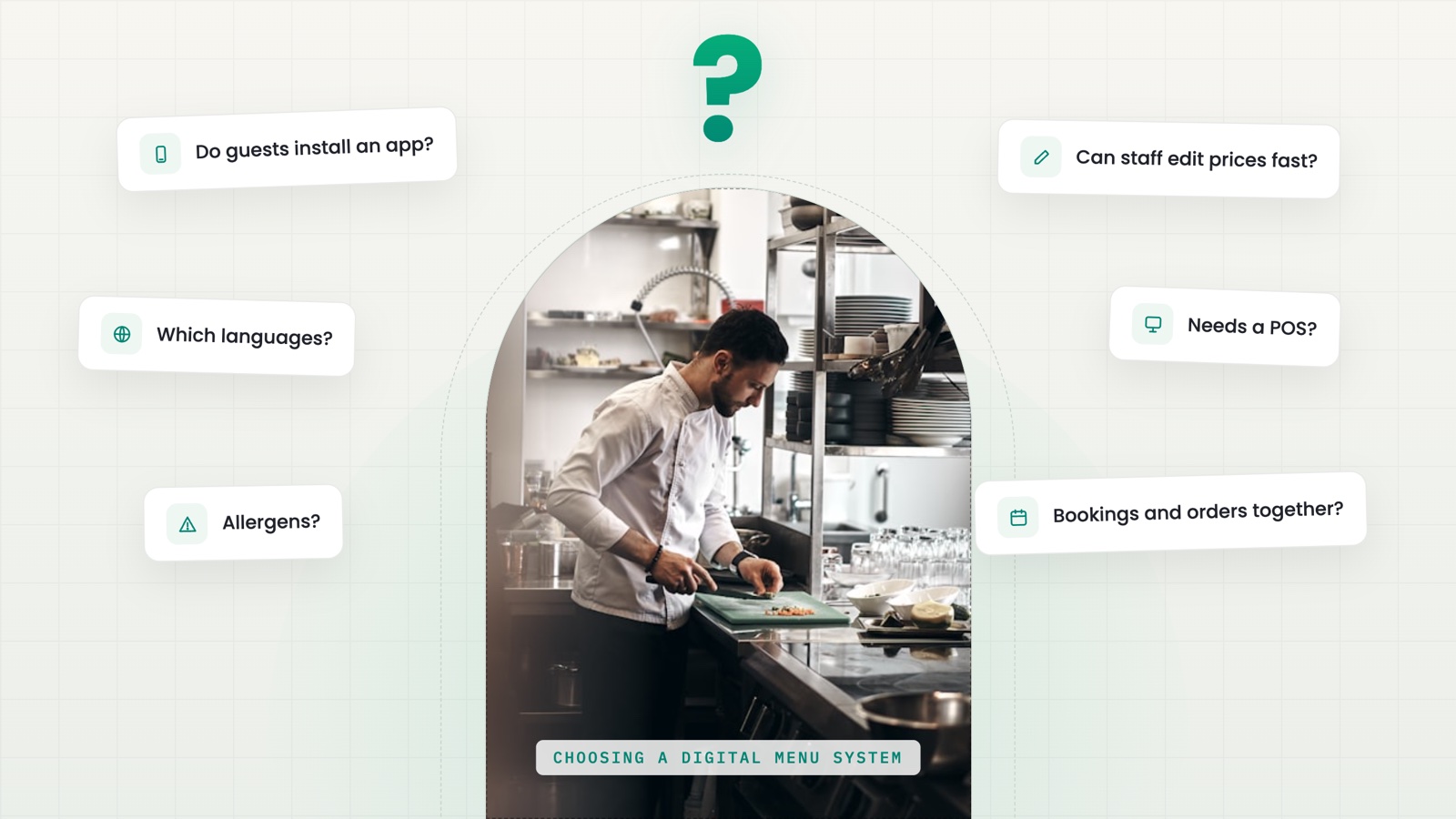
How to choose a digital menu system
There's no single "best" digital menu — there's a system that answers your venue's actual questions. Here are the six worth asking before you decide.