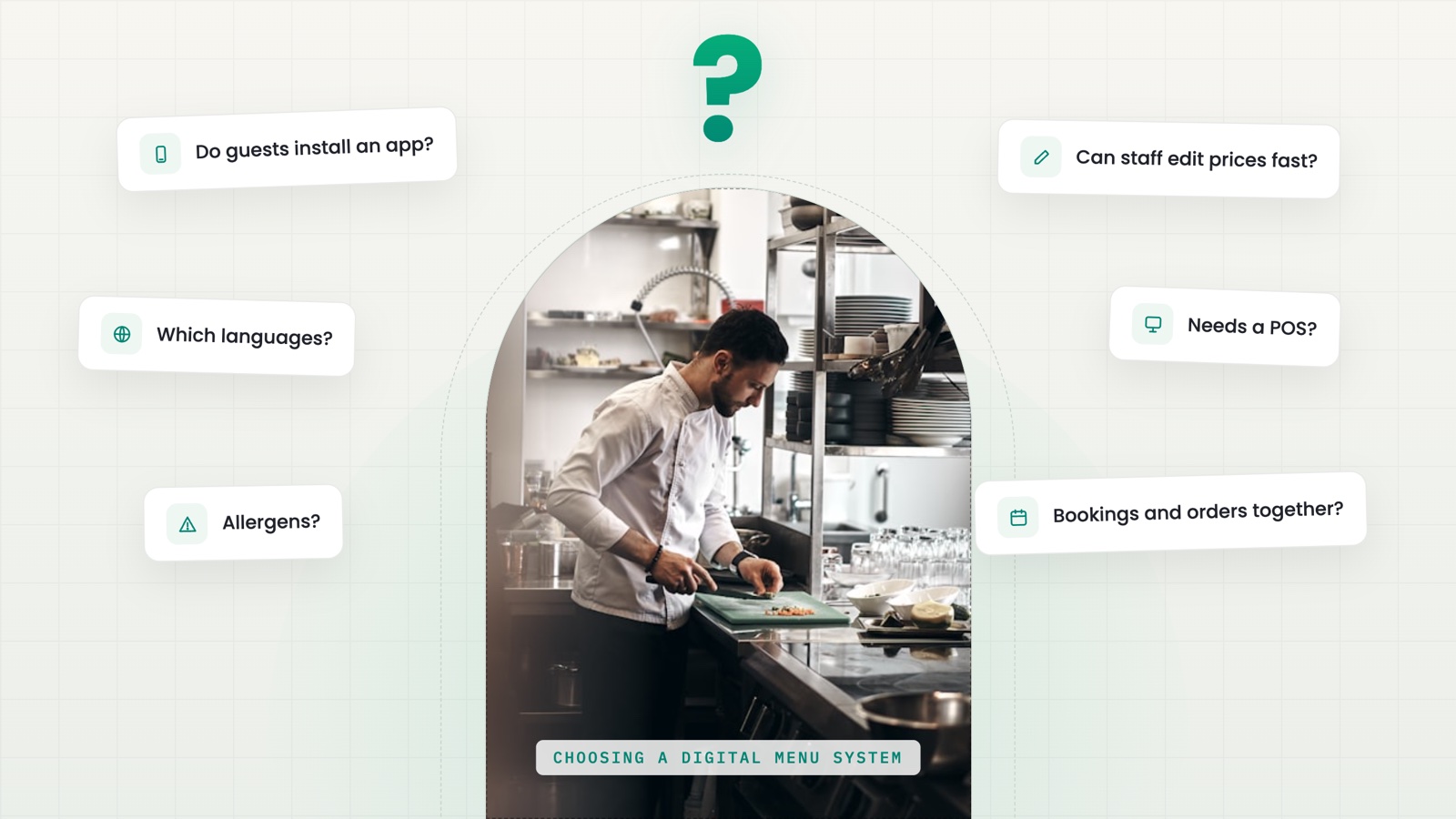
A venue adopting a digital menu for the first time usually starts the search with the wrong question — "which system is best" instead of "what does our venue actually need." The answer depends on whether the venue has a POS, how many foreign guests it gets, and how much time staff realistically have to keep data updated. Here are six questions worth more than any list of names.
1. Does it work without a connected POS
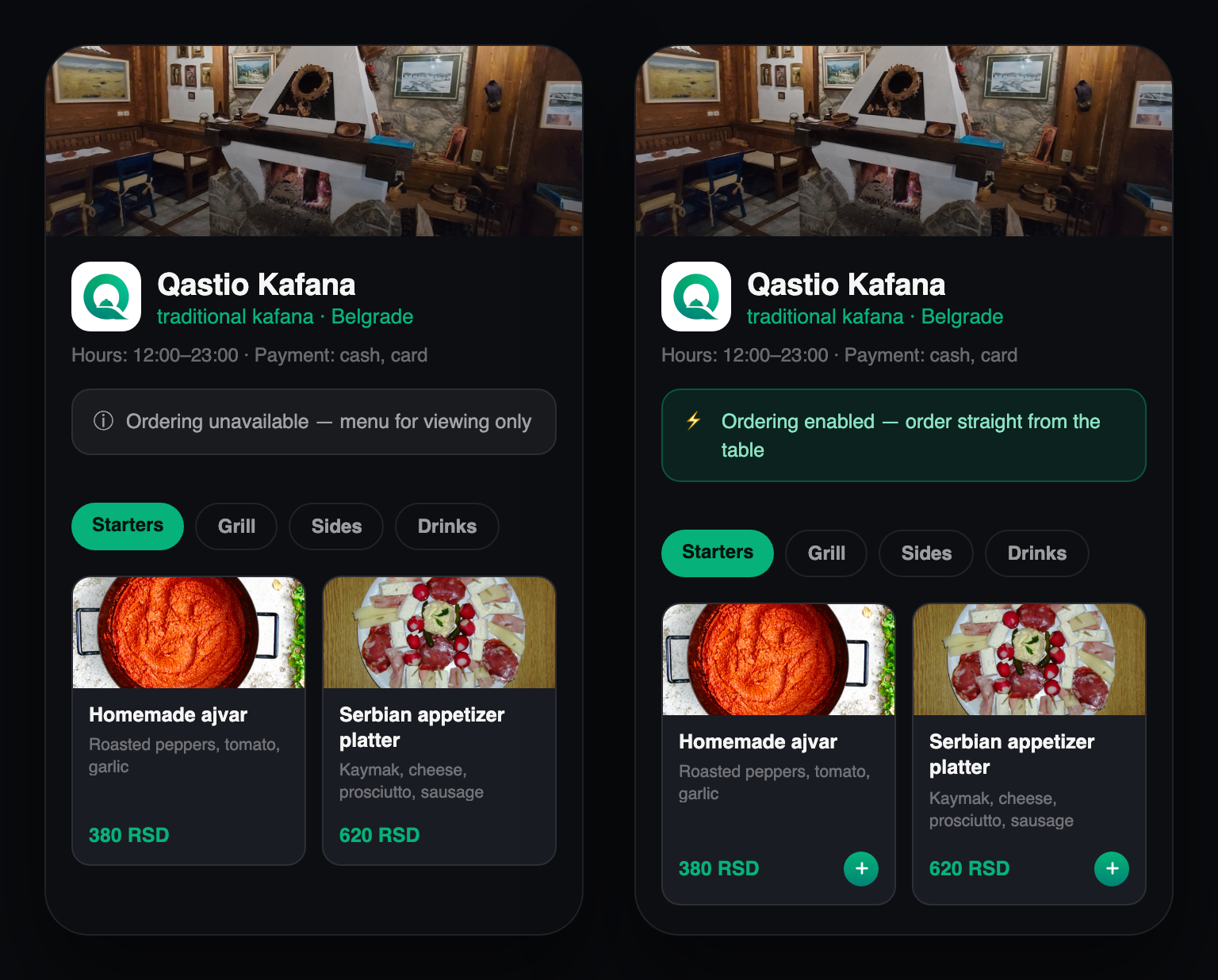
Many ordering systems assume the venue already has a POS terminal and require that integration before anything works at all. For a venue just starting out, or running an older till, that's an unnecessary barrier. It's worth checking whether ordering works independently of the fiscal system — the order reaches staff directly, payment happens however the venue already handles it, and the POS connects later whenever the venue is ready.
2. Does the guest have to install an app
Every extra step before a guest sees the menu — installing something, creating an account, a password — is a reason for someone to give up. A system that opens directly by scanning a QR code, in the browser the guest already uses, removes that friction entirely. This matters most for guests who are at the venue once — tourists, passersby, groups who won't install something for a single meal.
3. Does translation cover more than the obvious languages
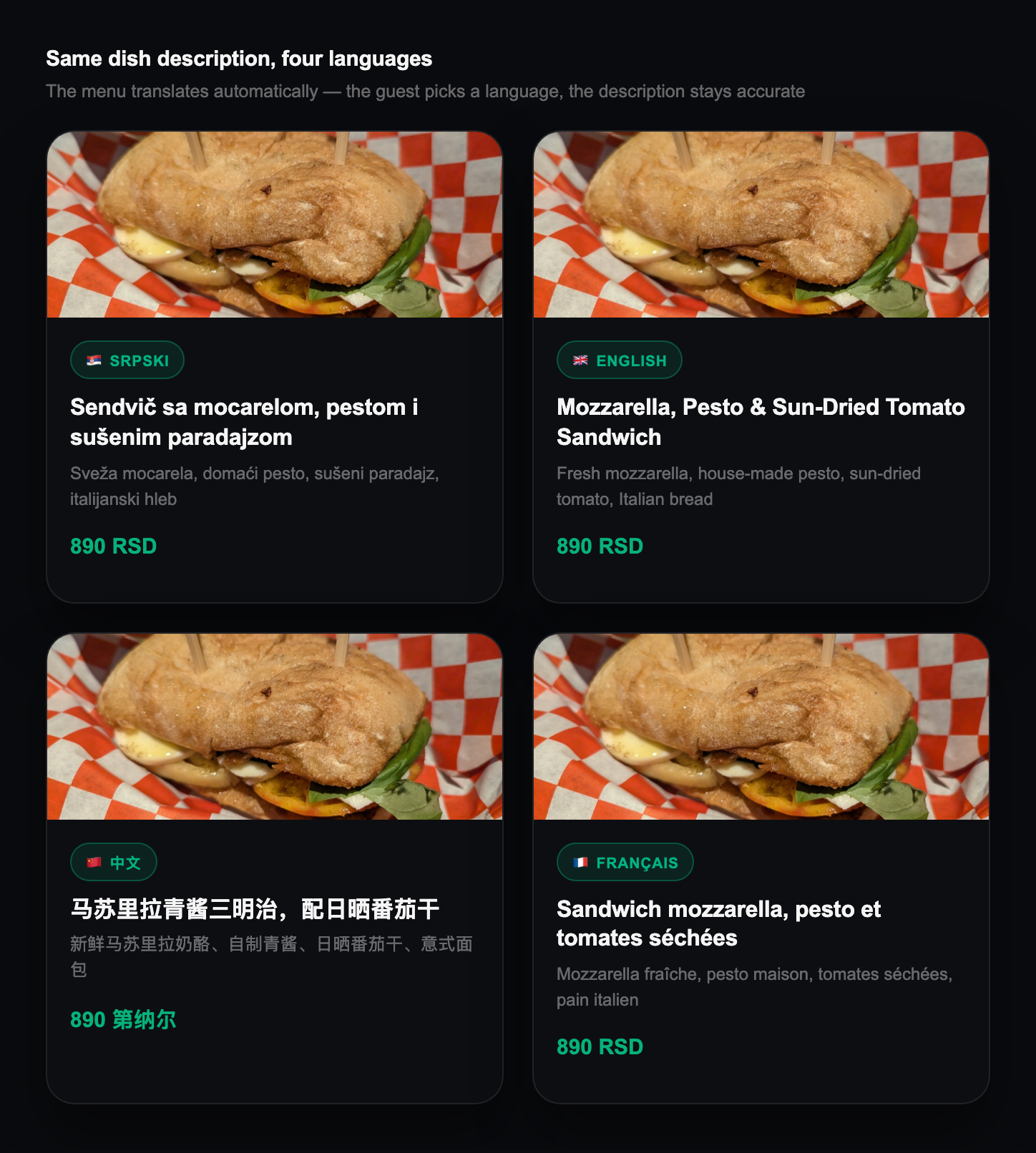
Translating a menu into English is close to standard today. The real question is whether the system goes further — for Belgrade specifically, Chinese tourists have been a regular presence since the visa requirement was lifted in 2017, and few menus are translated into Chinese. The same logic applies to the dish description, not just the name: a literal translation of a local dish's name rarely explains to a guest what it's actually made of.
4. Are allergens shown against a recognizable standard
Free text like "contains nuts" at the bottom of a menu is better than nothing, but hard to compare across dishes. A system built on the EU's list of 14 major allergens gives the guest the same, recognizable label next to every dish — and, ideally, lets a guest save their own allergens and get a warning automatically, without re-reading the whole menu each time.
5. Are reservations and ordering one system, or two separate tools
This is easy to overlook early on and felt later: if booking runs through one tool and ordering through another, the guest goes through two disconnected experiences in the same evening. When they're two steps of the same system, the QR code that opened the menu at booking time stays relevant once the guest actually sits down.
6. How easy is it for staff to update things day to day
The menu's accuracy — prices, availability, allergens — depends on how easy it is for staff to make a change. A system with a complicated admin panel means updates lag or get skipped, which shows up as an inaccurate menu in front of the guest. It's worth evaluating the admin panel itself before deciding, not just what the guest sees.
The question isn't which system is "best" in general. It's whether your venue, with its own guests and its own till, gets real answers to these six questions.
How Qastio answers these
Qastio ordering works independently of whether a venue has connected a POS — more on that in the guide to QR ordering. The menu opens directly in the browser, no install, in whichever language the guest picks, including translation into languages like Chinese. Allergens follow the EU list of 14 allergens, with an optional personalized warning. Reservations and ordering run as one system, not two — a guest sits down at their reserved table and orders right through the same screen.